If this is your first visit, be sure to
check out the FAQ by clicking the
link above. You may have to register
before you can post: click the register link above to proceed. To start viewing messages,
select the forum that you want to visit from the selection below.
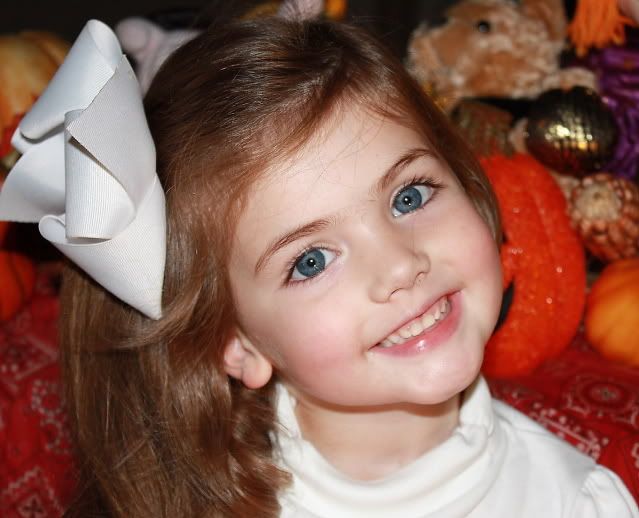
The way I would tackle it is that I would duplicate the layer (make a copy of the picture over the picture that Photoshop thinks of is stacked on each other).
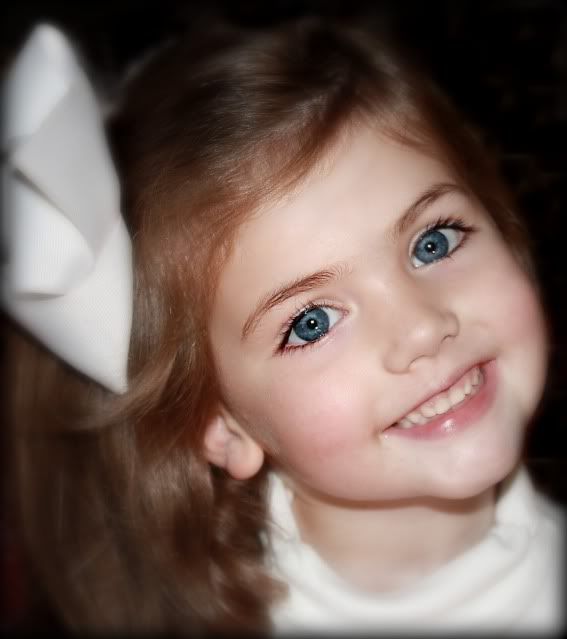
I would use the blur filter on one layer and erase away the eyes from that layer to show the sharp layer underneath.
I didn't see the take out the background part in the beginning.
Before doing the blur process you can duplicate the background layer and add an additional layer in between it. On that layer you fill it with black. Then you can use the lasso tool to select large parts of the picture layer above the black layer and use the clear function to erase it. When you get to the actual hair and face of the picture you can use the eraser tool to have more control over what you erase.
Then you will have your daughters face in a separate layer over a layer of black. You can duplicate the daughter face layer and use the blur filter to blur it and erase away what you wish to keep sharp.






Leave a comment: